Live bilingual captions
The original and the translation, line by line, as the speaker talks. Works with any app that plays sound: browsers, Zoom, YouTube, Twitch.
For Mac · Apple silicon
Liveglot listens to the stream playing on your Mac, captions it live, translates every sentence, and answers your questions about what was just said.
macOS 14 or later · Apple silicon
Windows version coming soon
Everything you need to follow a fast speaker in another language, and nothing in the way.
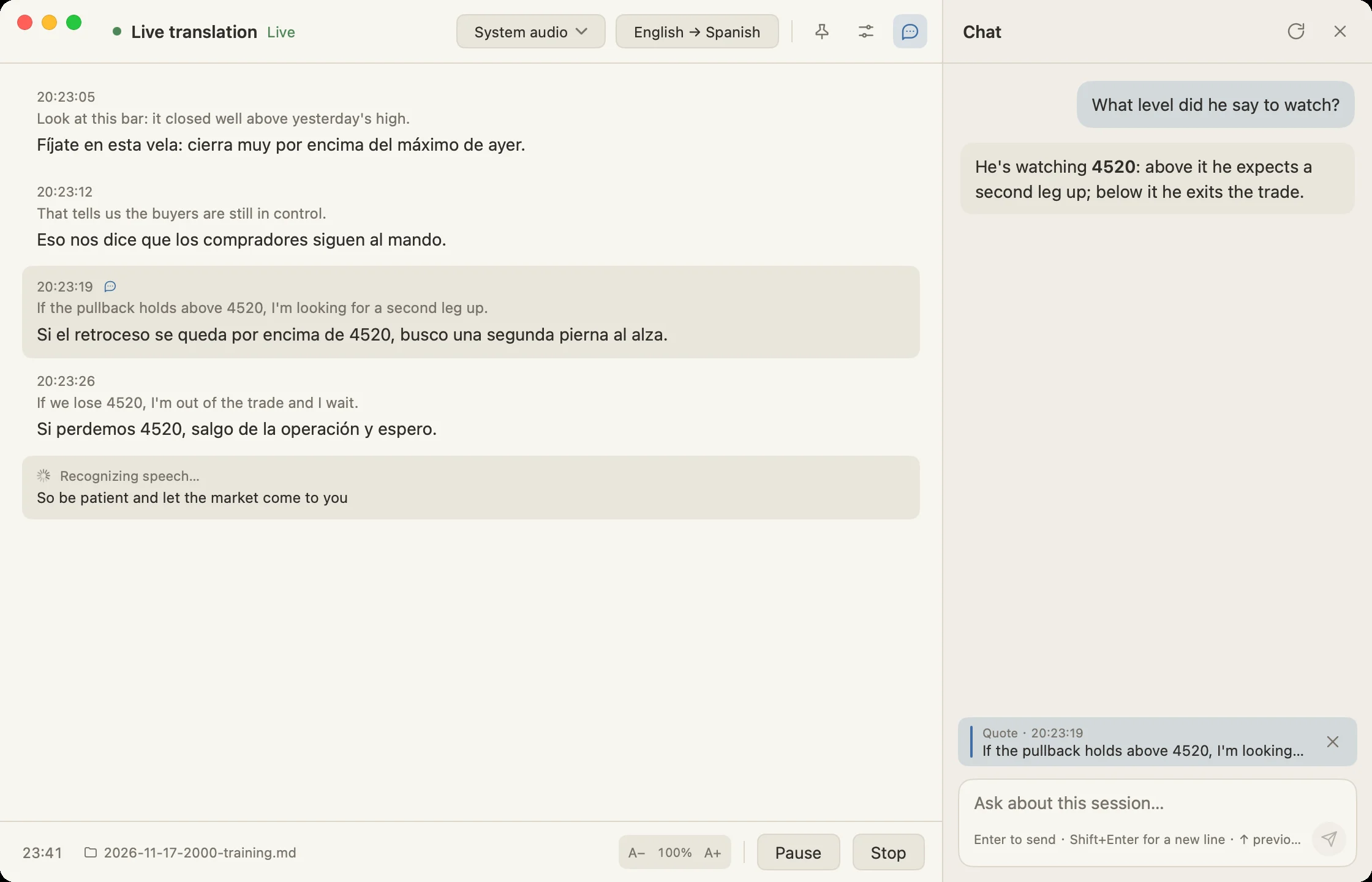
The original and the translation, line by line, as the speaker talks. Works with any app that plays sound: browsers, Zoom, YouTube, Twitch.
Liveglot waits for the end of a sentence before translating, and gives the model the lines before it, so the translation reads naturally.
Missed a term or a number? Ask in the side chat. Answers come only from this session's transcript, and you can quote any line.
Every session is saved as a Markdown file with timestamps, the original and the translation, ready for Obsidian or any editor.
Recognize speech on your Mac with Whisper, or in the cloud with Soniox. Translate with any OpenAI-compatible service, including local ones.
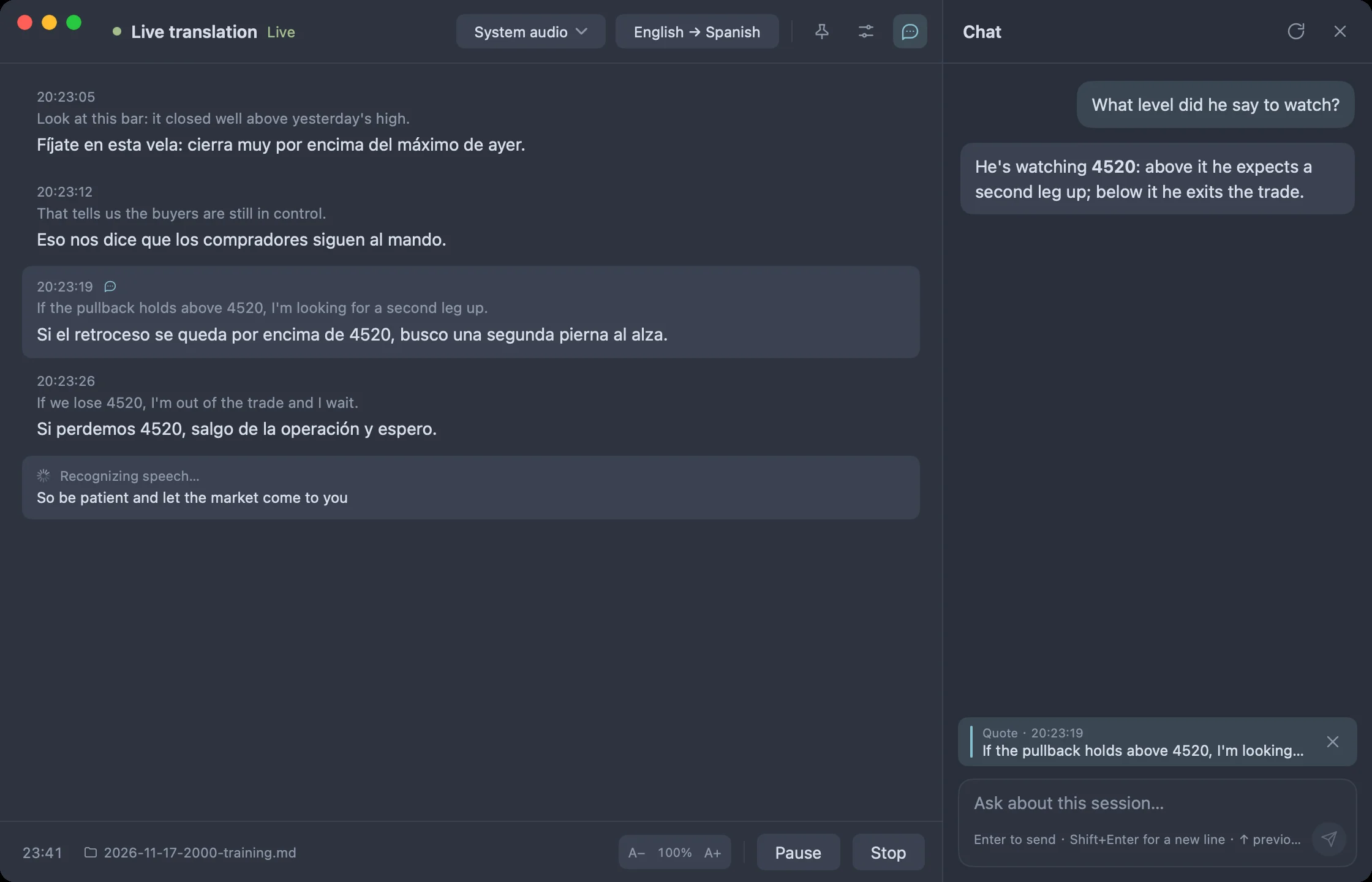
A native app with light and dark themes, translucent windows, and a small floating pill that shows you are recording.
System audio for a stream or class, your microphone for the room, or both.
Captions appear within a second or two. Translations follow, sentence by sentence.
Right-click a line to quote it in the chat, or just ask what you missed.
No account, no Liveglot servers in the middle. Audio goes to the recognizer you choose, local or cloud; text goes to the translation service you choose. Your API keys stay in the macOS Keychain.
Read the privacy policy →No subscription. Liveglot is built to be the cheapest way to follow a live class in another language.
$19.99 one-time
Subscription caption apps charge about as much every month.
Yes. You pay $19.99 once and keep Liveglot for life, including every future update. The only ongoing cost is the translation API you choose, usually a few cents per class.
Liveglot recognizes English, Chinese, Japanese, Korean, Spanish, French, German and more, and translates into over a dozen languages. The app itself is available in English, Chinese, Japanese and Korean.
Yes. Liveglot captures your Mac's system audio, so it works with whatever is playing: a browser tab, a meeting app, a video player. It can also listen to your microphone.
For translation, yes: add a key for any OpenAI-compatible service, or point it at a local model. For speech recognition you can use Whisper on your Mac for free, or a Soniox key for faster cloud recognition.
Macs with Apple silicon running macOS 14 Sonoma or later.
macOS 14 or later · Apple silicon
Windows version coming soon